Selecting a profile
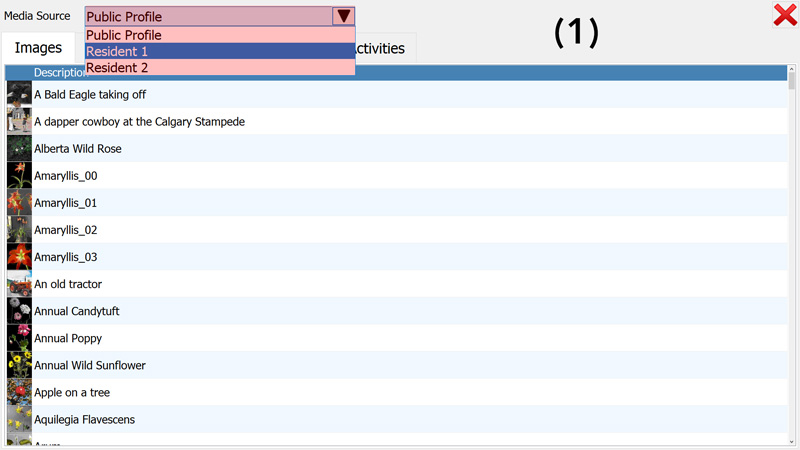
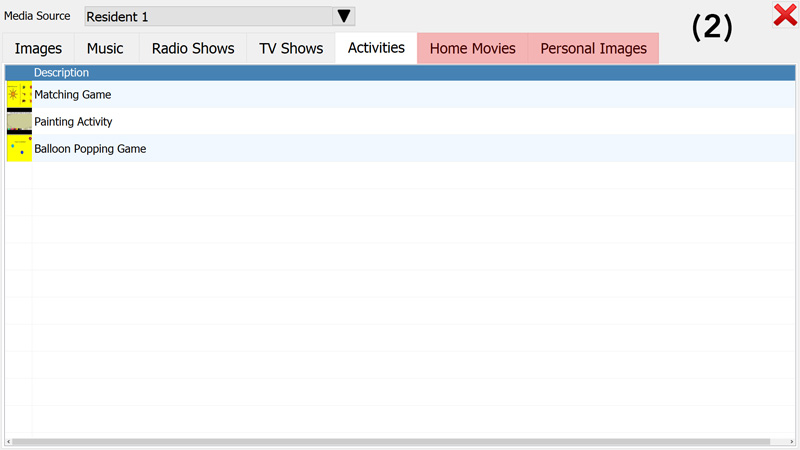
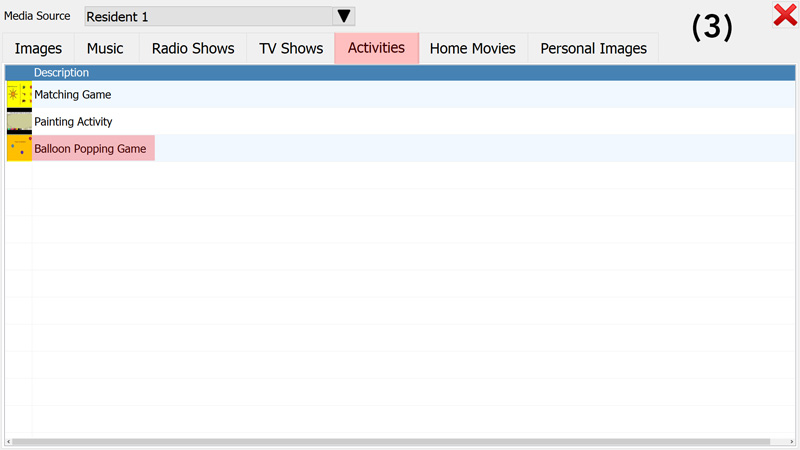
From the "Media Source" drop-down menu, select a profile to load the resident's content (Picture 1). Two additional tabs will appear on the screen (Picture 2) to give access to a resident's personal pictures and videos. Click on any of the media content tabs and select a title from the list to play personalised music, view pictures, watch videos or (as shown in the example below) play an activity (Picture 3).