ABBY Responds
When a resident interacts with ABBY, ABBY will respond by playing for the resident, media content (pictures, movies, slideshows, audio-songs, and voices) to be engaged in, or virtual games to interact with. We call all of these "Virtual Responses".
Below you will find a list of ABBYs' "Virtual Responses", with explanation of what they are and how to trigger them.
Radio
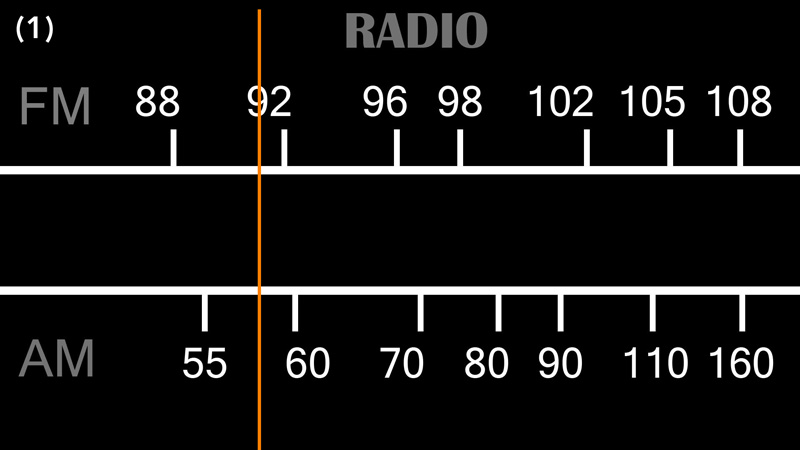
The ABBY Radio response is simply an audio response that plays either music or a tv-show from the ABBY's public library or the Residents' personalised audio content. The Radio function is triggerd by the Radio knob on the switch panel, the Wheel, or via the Caregiver Interface, by simply selecting a title from the "Music" or "Radio Shows" tabs. When ABBYs' Radio function is triggered, a visual representation of a Radio appears on the screen (Picture 1) and the music or the tv-show begins to play in the background.
TV
The ABBY TV response is a video response that plays videos on the screen from either the ABBY's public library or the Residents' personalised video content. The TV function is triggerd by the TV knob on the switch panel, or via the Caregiver Interface by simply selecting a title from the "TV Shows" or the "Home Movies" tabs.
Happy Videos
The "Happy Videos" response is a video response that plays "Happy" or "Feel Good" videos on the screen and is triggerd by interactions with the "Pet the cat" tangible activity.
Slide Show
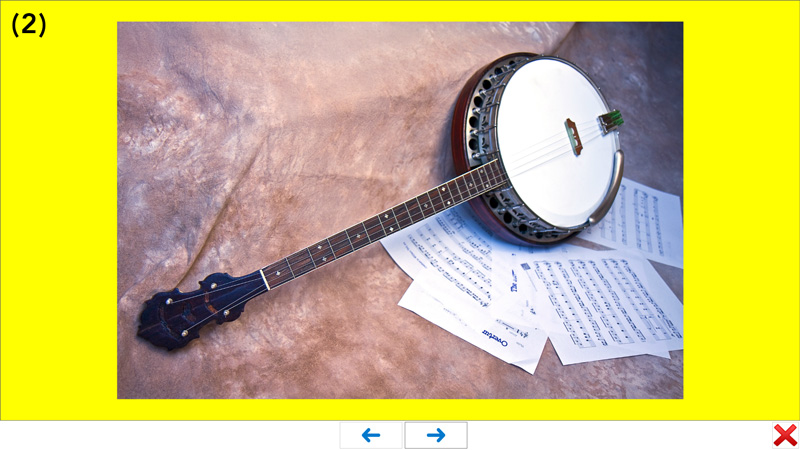
The Slide Show response (Picture 2) will take pictures out on the Resident's personalised content library or from the ABBY's public library and display them one after another in a slide-show effect with music playing in the background. The music will also be taken from the Resdents' profile or, if not available randomly from the ABBY Public Library.
The Slideshow is activated by pushing the "Push Button" on the Switch panel, or via the Caregiver Interface by selecting an image from the "Images" or "Personal Images" tabs.
Matching Game
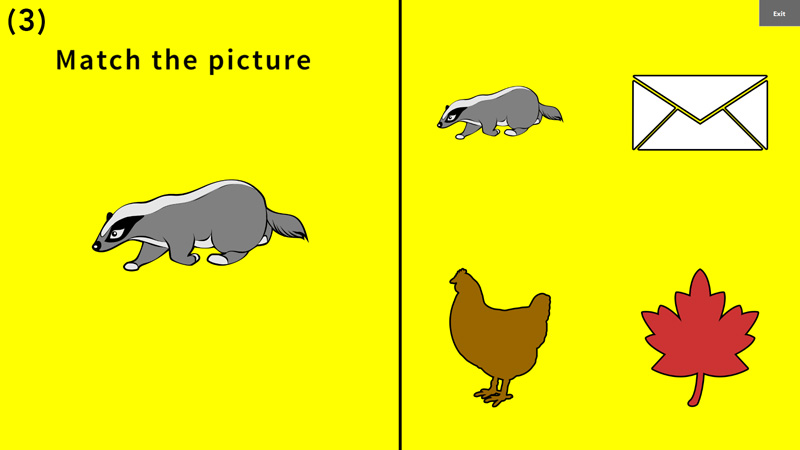
The ABBY matching game (Picture 3) is very simple matching game we specificaly designed for people leaving with dementia. It starts with a very simple open matching game of two images and increases in complexity to become a full open matching game at it's highest level. The game is desighed to set the person playing for success by giving them the option to try again and go a step backwards if the elvel they are at is too difficult for them.
The most important aspect of the matching game though is that it's resident personalisable. All the prompts in the game can be individually recorded and have a family member or a caregiver speaking to increase the level of success in playing.
The Matching Game can be activated by flipping the first (left) switch on the Switch panel, or from the Activities tab in the Caregiver Interface.
Balloon Popping Game
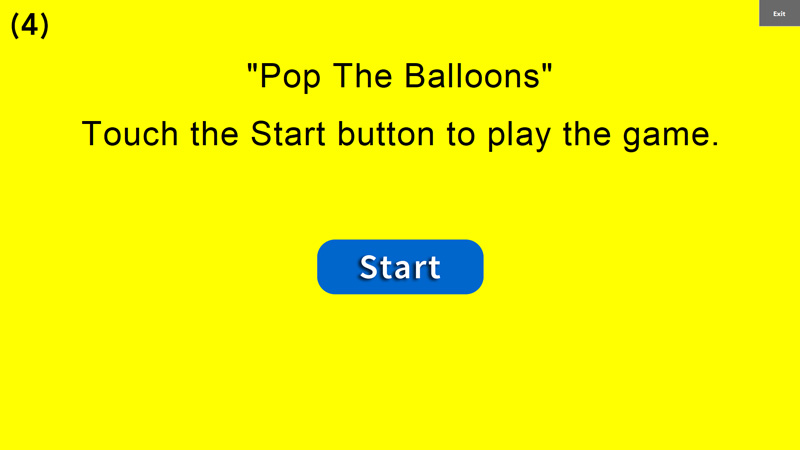
Just like the Matching game, our Balloon Popping Game (Picture 4) was designed to get more complicated as it progresses, the more balloons a player pops the more come out to be popped. It's a very entertaning activity that many residents enjoy.
The Balloon Popping Game can be activated by either flipping the middle switch on the Switch panel, or from the Activities tab in the Caregiver Interface.
Painting Activity
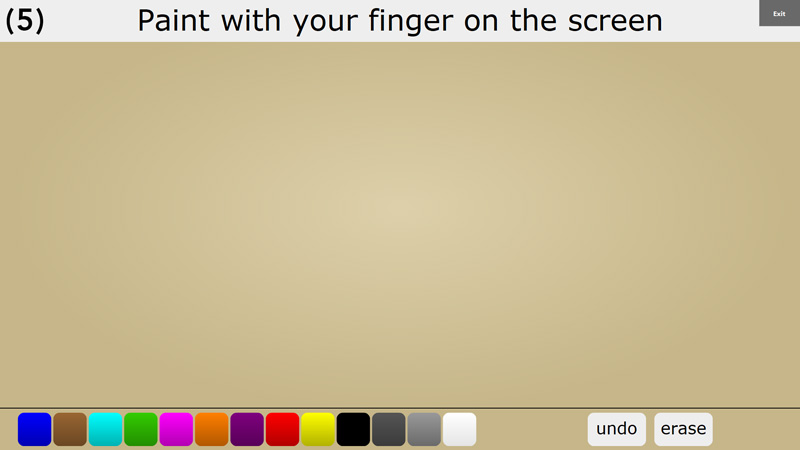
When Painting activity (Picture 5) is activated/triggered, the ABBY touchscrean becomes a blank canvas that residents can paint on using just their fingers.
The Painting Activity can be activated by flipping the last (right) switch on the Switch panel, or from the Activities tab in the Caregiver Interface.